MendCodeto code
Shape how AI codes: prompt context, model roles, smart permissions, memory control, shareable packages, a TUI you can make your own, isolated worktrees, and agent swarms.
Shape the harness around your work.
Keep progress visible and control explicit.
Build the Harness You Want
Create and package custom prompt context, slash commands, local tools, agents, skills, MCP connections, model roles, and policies—then reuse the whole setup.
Make the TUI Yours
Shape home, custom pages, prompt chrome, Agent View, widgets, status rows, dialogs, and themes without patching the runtime.
Review the Plan and the Patch
Approve, edit, comment on, or reject plans in the TUI—then inspect the working-tree diff and leave review context the agent sees on its next turn.
Orchestrate Work, Not Just Prompts
Coordinate durable loops, background sessions, isolated worktrees, artifacts, gates, signals, budgets, and live progress—then inspect exactly what is running.
Memory That Connects
Explore real relationships between project and global knowledge, let Dream surface stale or conflicting memory, and apply only the proposals you approve.
Smart Approval, Less Friction
Bounded read-only commands keep moving automatically. Risky or ambiguous actions stay gated, and the reviewer model cannot widen the deterministic safety policy.
Scale Without Collisions
Route work across task-specific models, background sessions, isolated worktrees, mflow locks, and optional TSM workspaces—without agents stomping the same files.
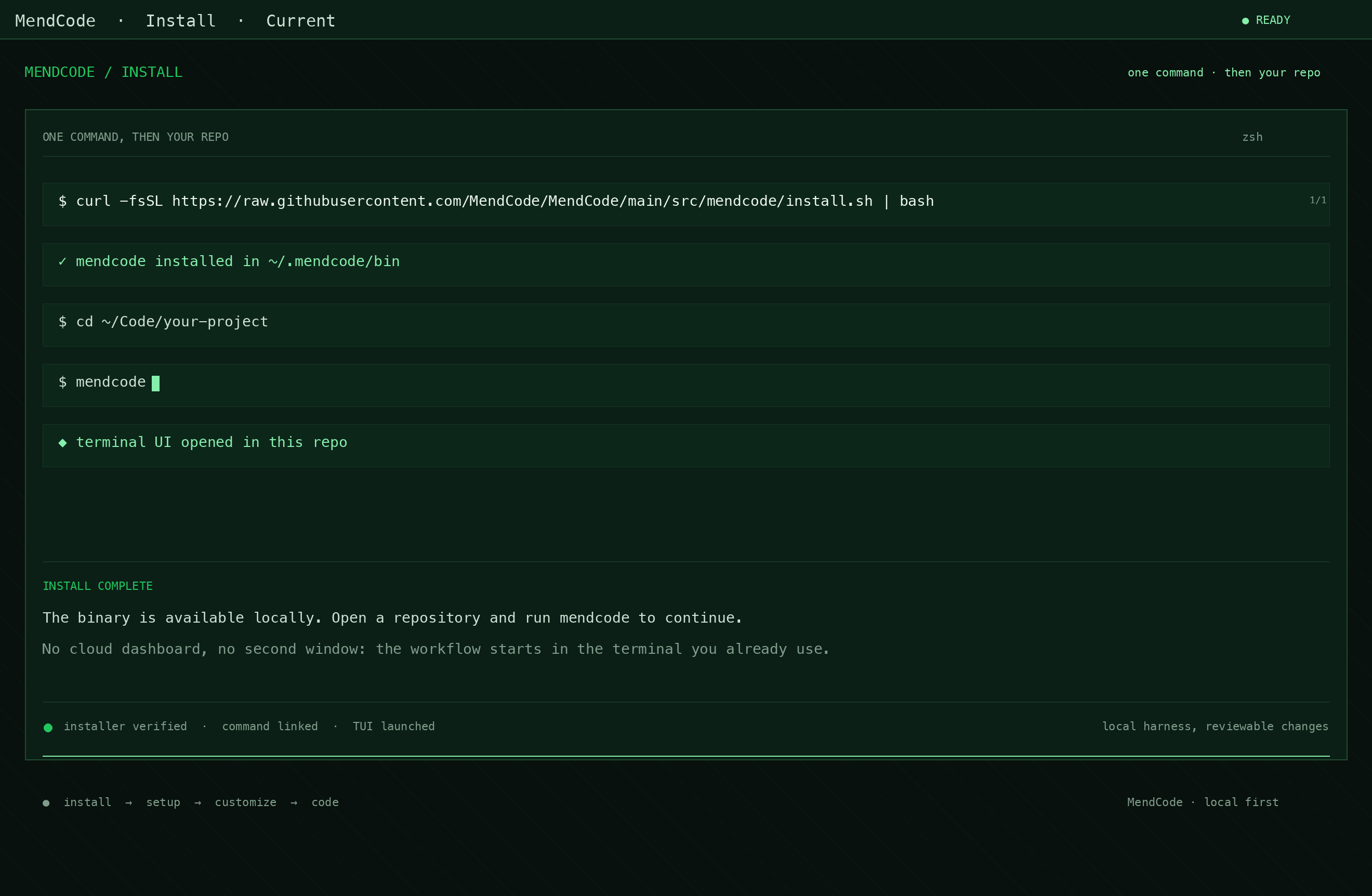
Install. Setup. Customize.
Then use the chat.
Tune the
coding harness.
Minimal, focused, full, and custom are prompt boundaries: selectable ways to control how much MendCode context rides with the request.
Focused uses the official focused prompt from the model's lab, then adds only light MendCode guidance for the current task.
See the workflow, not a mockup.
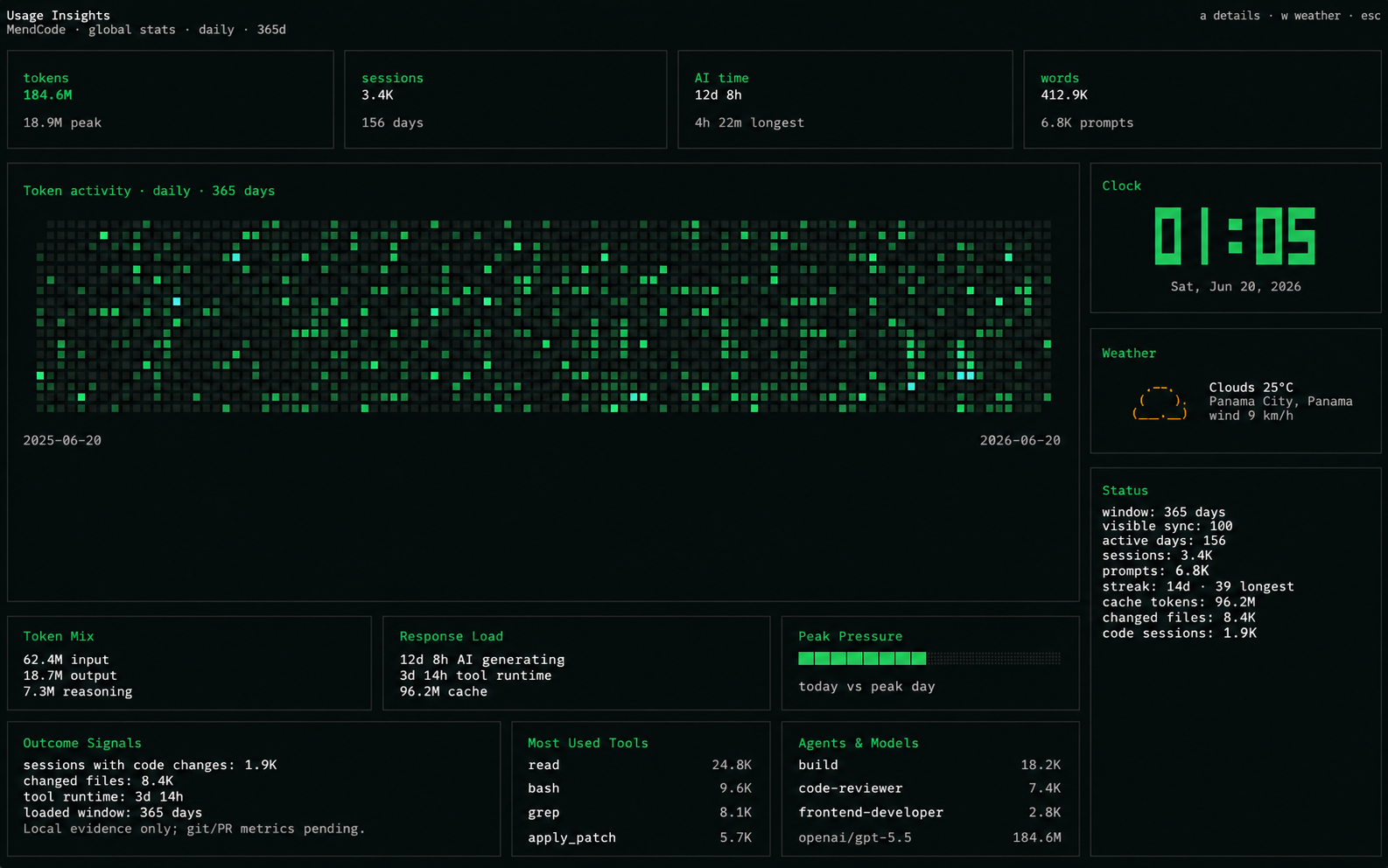
Know your usage.
Keep it local.
Package your
harness.
Turn a tuned MendCode environment into a reusable bundle: command palette, agents, modes, prompts, TUI profile, model policy, permissions, memory defaults, and worktree rules. No provider tokens or machine-local secrets.
Control is
non-negotiable.
MendCode keeps control explicit: choose approval, smart, or full_access; keep memory intentional; route smart reviews through a model role; and share packages without provider tokens or local secrets.
Permission modes
Choose approval, smart, or full_access depending on how much review you want in the current project.
No secrets in packages
Provider tokens, auth files, local credentials, and machine-local state are not part of shareable packages.
Intentional memory
Memory is opt-in. Generated memories become proposals first, and you decide what persists.
Risk-aware review
Smart permissions can route risky shell, script, and delete prompts through a permissionReviewer model role before execution.
Customizable
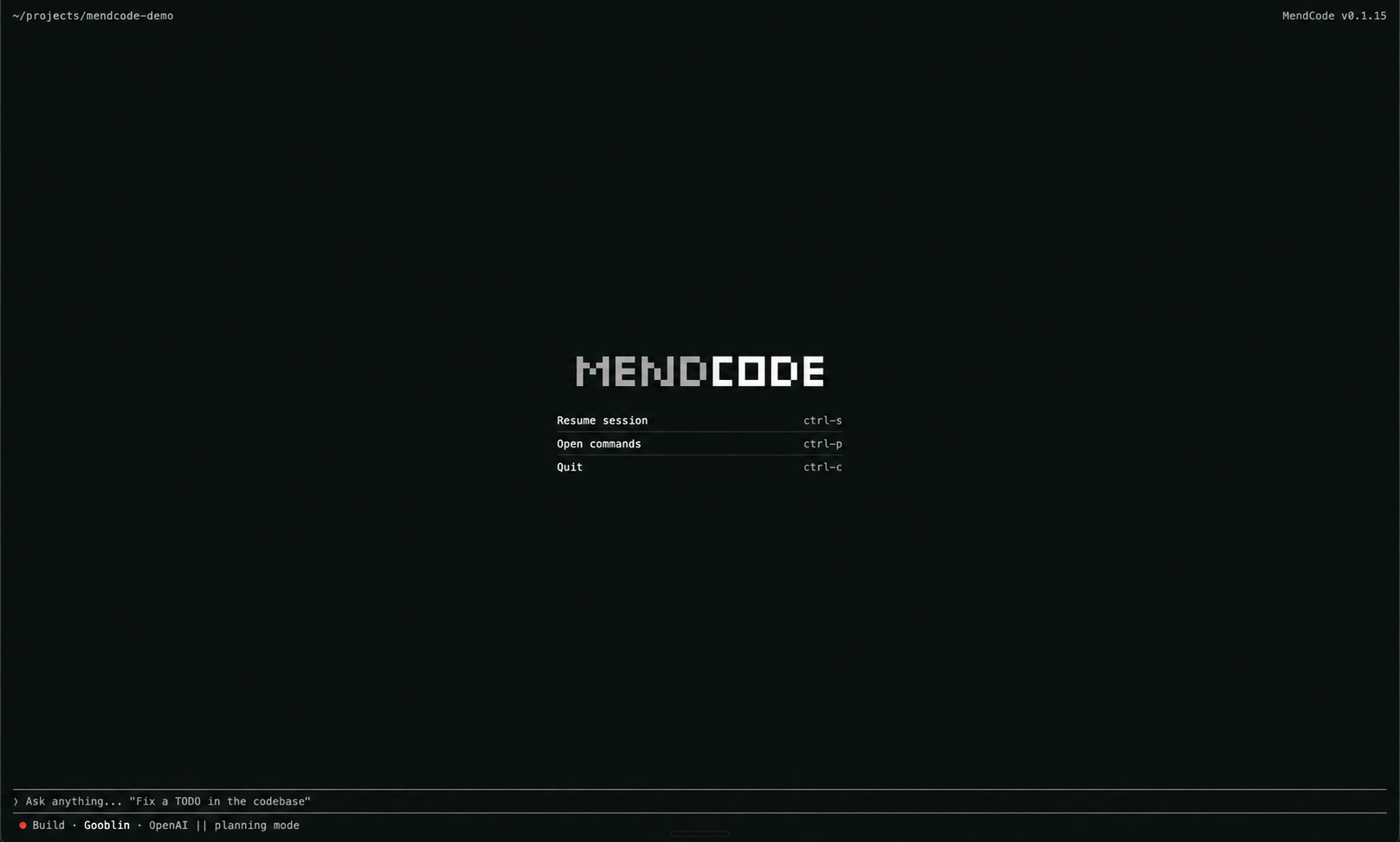
home screen.
MendCode lets the TUI feel like yours: home identity, shortcut layout, Agent View, status rows, widgets, and profile presets shape the surface you use every day.
Customizable home screen
Choose wordmark, mascot, action shortcuts, Agent View, and welcome layout without patching runtime code.
Local tool calls, no MCP
Create your own local tool calls and run them from MendCode's TUI. No MCP server is needed for tools that live in your project; use MCP only when you need an external server.
Profile as config
Home title, prompt chrome, status rows, widgets, density, and theme choices stay shareable as TUI profile settings.
Shareable packages
A package can carry skills, commands, modes, configs, and defaults, while local secrets and personal memory stay outside the bundle.
Wordmark welcome
“I can inspect the plan before an agent touches my repository.”
Surface
Plan Review
review before edits
Start the AI coding
terminal in your repo.
Install the public mendcode CLI, run setup once, then shape prompt context, model roles, permissions, memory, team packages with skills and config, your TUI, isolated worktrees, and agent swarms around your workflow.